
Character chats
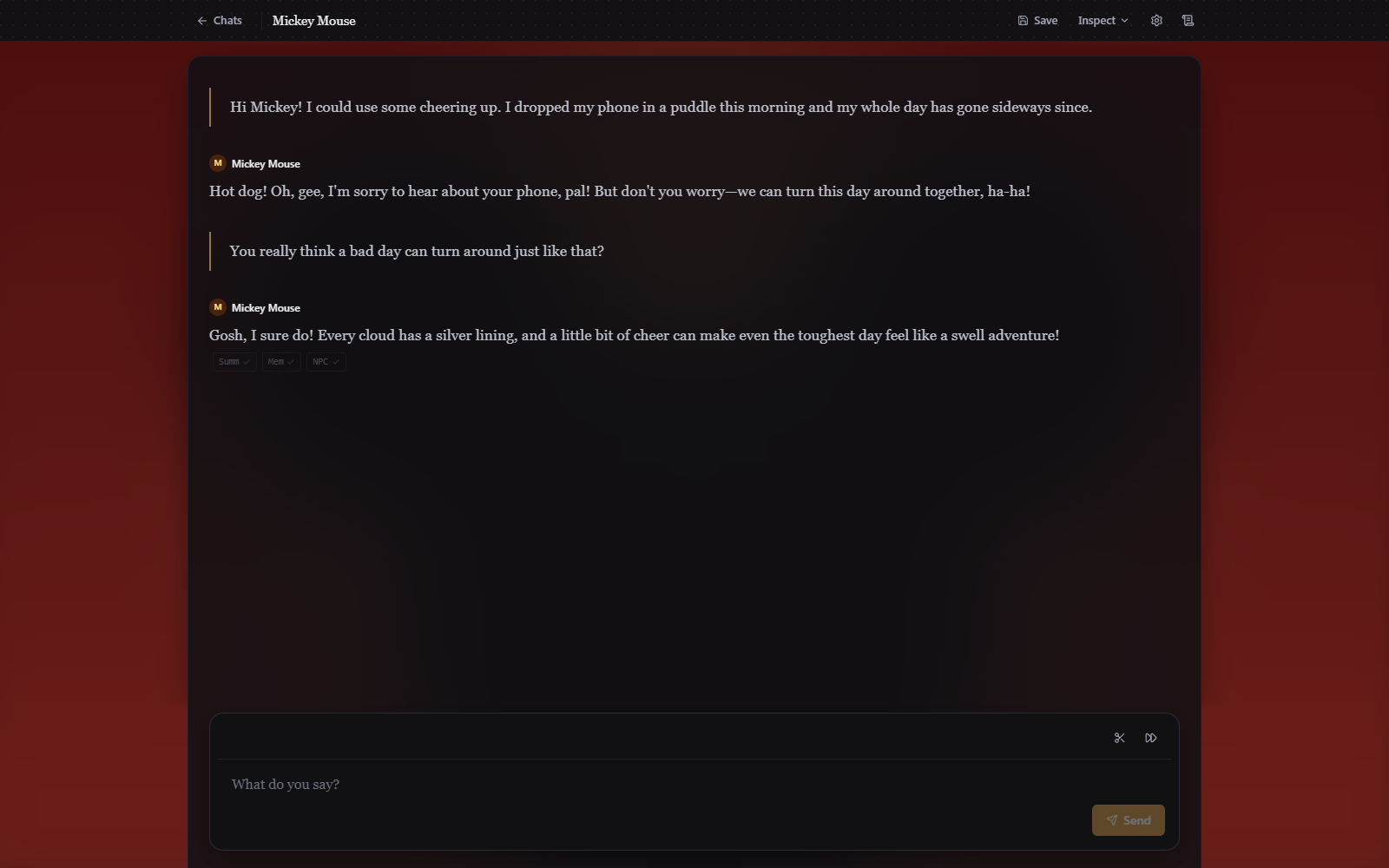
A chat is a messaging thread. Each reply is one character speaking, and nothing else: no prose, no stage directions, no narrator.
Sending a message
There is no Act or Say toggle, because everything you write is something you say. Type and press Enter to send the message. Shift+Enter and Ctrl/Cmd+Enter add a line break. Characters answer based on three things only: the current chat context, their own character sheet, and the fetched memories from past messages in the chat.
Group chats
Add more than one character and a director runs first. It's one short model call that reads the last eight lines and picks who speaks this turn, up to three of them. Each chosen character then writes in turn, seeing what the others just said, so a reply can answer the character before it rather than only you.
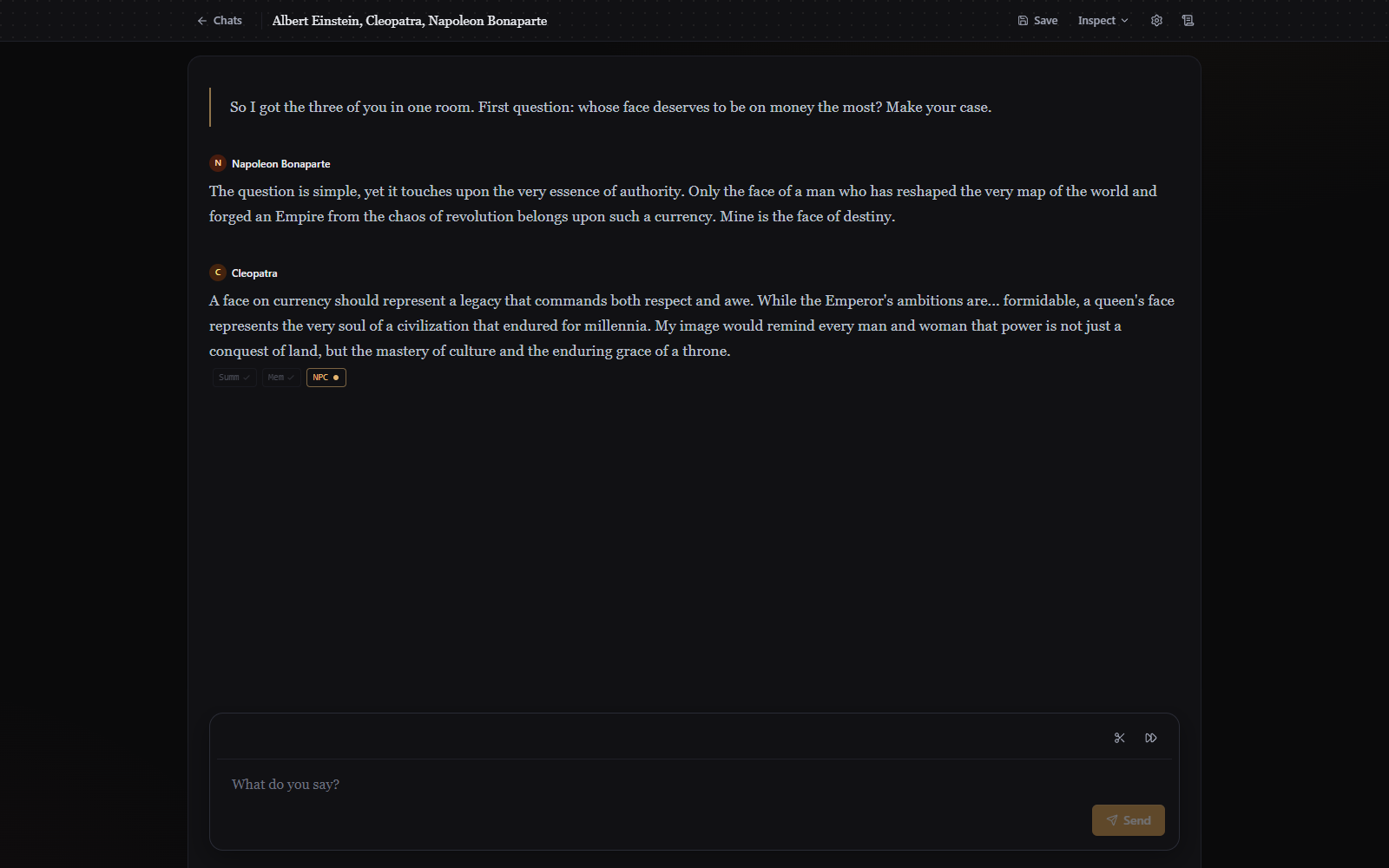
A character can also decline to speak. If they have nothing to say they return silence, no message appears from them, and the turn moves on. This is normal in a group and is how a quiet character stays quiet instead of padding every turn.
One-on-one chats skip the director entirely, so there's no extra call and no added wait.
Continue asks for another turn with no new line from you, letting the characters carry on among themselves. It doesn't extend the last message, since a message is somebody's line rather than a passage that grows; it gets you the next round of replies.
Ending one conversation and starting another
End conversation separates the messages so far from the next conversation. A recap is written, and the characters carry that forward while the thread they read starts fresh from the divider. Nothing is deleted, and nothing decides what happens next: your next message starts the new conversation and sets its subject.
Only the button does this. Nothing watches the conversation for a good place to stop, which is one less model call on every turn. A story works the other way: it judges each beat for a natural break and offers three premises to pick from.
Editing what was said
The per-message controls are the ones from Steering the story, minus the ones that need a world to roll back:
- Edit any message by clicking into it and typing.
- Regenerate the last message. It's rewritten by the same character, against the thread as it stood before they spoke.
- Rework with instructions revises a message from a note you write ("less formal", "she wouldn't admit that yet"). The rewrite comes back from the character who said it, and lands as a new version rather than replacing the original.
- Version arrows step between takes when a message has more than one.
- Truncate after and Delete work as they do in a story.
- Save and
Ctrl/Cmd+Scapture the thread, andCtrl/Cmd+Lreloads the last save.
Reading it aloud
Every message has a Read aloud button, and because a message has exactly one speaker, the whole thing is read in that character's voice. Story mode has to split a beat at its speaker tags to do the same. Give each participant a voice description and a group chat reads back as a conversation. See Voice and narration.
Memory in a long chat
Two of the background systems from story mode are switched on for chats:
- Summaries. Old stretches of the thread fold into a recap once it grows, the same fold you can open and remove from the gutter. The prompt carries the last forty messages, cut at the most recent divider, so a chat stays coherent past the point where the raw thread would overflow.
- Private memories. Each character records their own impressions after a turn, and relevant ones come back when the conversation returns to that ground. Browse them from Inspect > Memory, where hits are grouped per speaker. This needs an embedding model, the same one story mode uses.
The rest of the tracking is off, deliberately. Nothing updates a character's appearance or inventory from what's said, nothing tracks the time, and there are no quests. See Long, coherent stories for what those systems do in a story.
What a chat does not have
The story panel and the three status tiles above the transcript are gone, along with everything in them: no "Characters" tab, no quests or arcs, no world description, no story cards. A chat has no clock and no dice. Character names in the text aren't clickable, because there's no character card to open.
The settings dialog is shared. A chat's settings open a dialog titled Story settings, and its Tasks & prompts section lists the storyteller and the story-mode agents. Editing the Storyteller prompt there changes nothing in a chat, which uses its own reply prompt that the dialog doesn't expose.
The context meter under Inspect works. A group chat has no single prompt, since each character gets their own, so the meter reports the first participant's.