
Steering the story
Nothing the narrator writes is final. You can rewrite a beat, ask for a different take, roll the world state back, or reload an earlier save and try another path.
Most of this works in a chat too. The exceptions are the controls that need a world state to roll back, since a chat keeps almost none.
Per-beat controls
Any message is editable by clicking into it and typing. The exception is a story set to Markdown or HTML, where editing moves behind a pencil in the toolbar and shows the raw source instead (see Text formats).
Name tags. Behind the scenes the narrator tags each quoted line with the speaker's name with tags that are hidden from the UI. They let the TTS choose the correct voice per character (see Voice and narration). Editing a beat saves the text as you see it without the tags. This can cause issues where the LLM doesn't include the tags in following quoted lines either. To work around this, you can write the character's name in front of the quoted line with square brackets. For example: [name]"text". The name tag will disappear when you complete the brackets, but it does exist in the context.
Hover a message to see its toolbar:
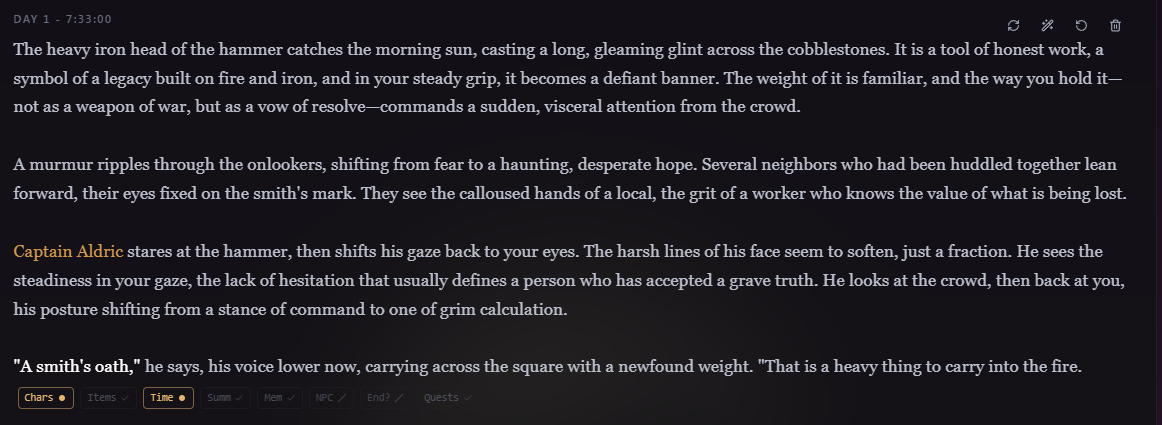
- Regenerate: write the latest narrator beat again from scratch as a new version. Only on the latest beat.
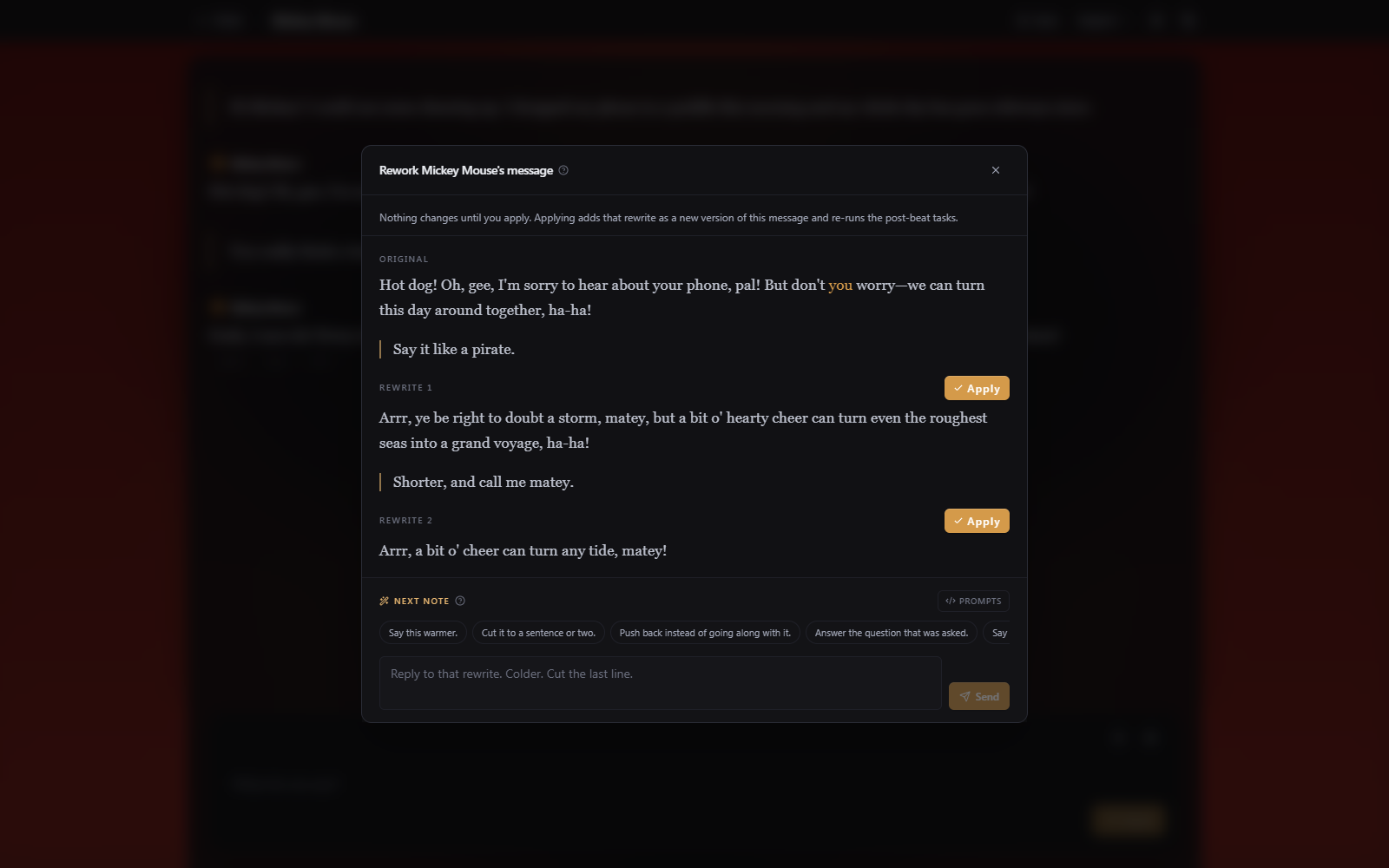
- Rework with instructions: revise the beat by telling the narrator what to change, covered in Rework with instructions.
- Version arrows: step between the story beat's versions when it has more than one (from regenerating or reworking).
- Rewind world state to here: roll the characters, time, quests, and memories back to a message without deleting the ones after it.
- Truncate after: delete every message after this point and roll the world back to it. It can't be undone, so save first if you're unsure.
- Delete: remove a single message.
Saves and reloading
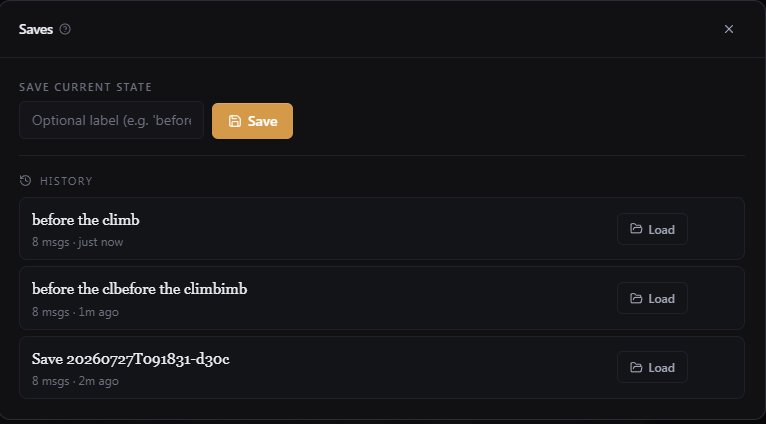
The Save button in the top bar shows how long ago you last saved and opens the saves dialog. A save captures the whole story, messages and world state together, with an optional label like "before the fight." The history list lets you load any save (rolling everything back to it) or delete it. Ctrl/Cmd+S quicksaves and Ctrl/Cmd+L loads the most recent save.
Scene-wrap suggestions and ending a scene
The scene end llm task tries to detect a natural pause, and a Scene wrap suggested card appears under the latest beat with a wrap-up line and three premises for the next scene. Pick one to close the scene, write its recap, and open the next scene from that premise, or dismiss it to keep going. You can also dismiss and trigger the scene wrap up dialog again by clicking the scissors icon in the composer.
